What Upzaar gives you: the five experiences and who uses each
Know the five parts of an Upzaar marketplace, who uses each one, and which of them you get on day one.
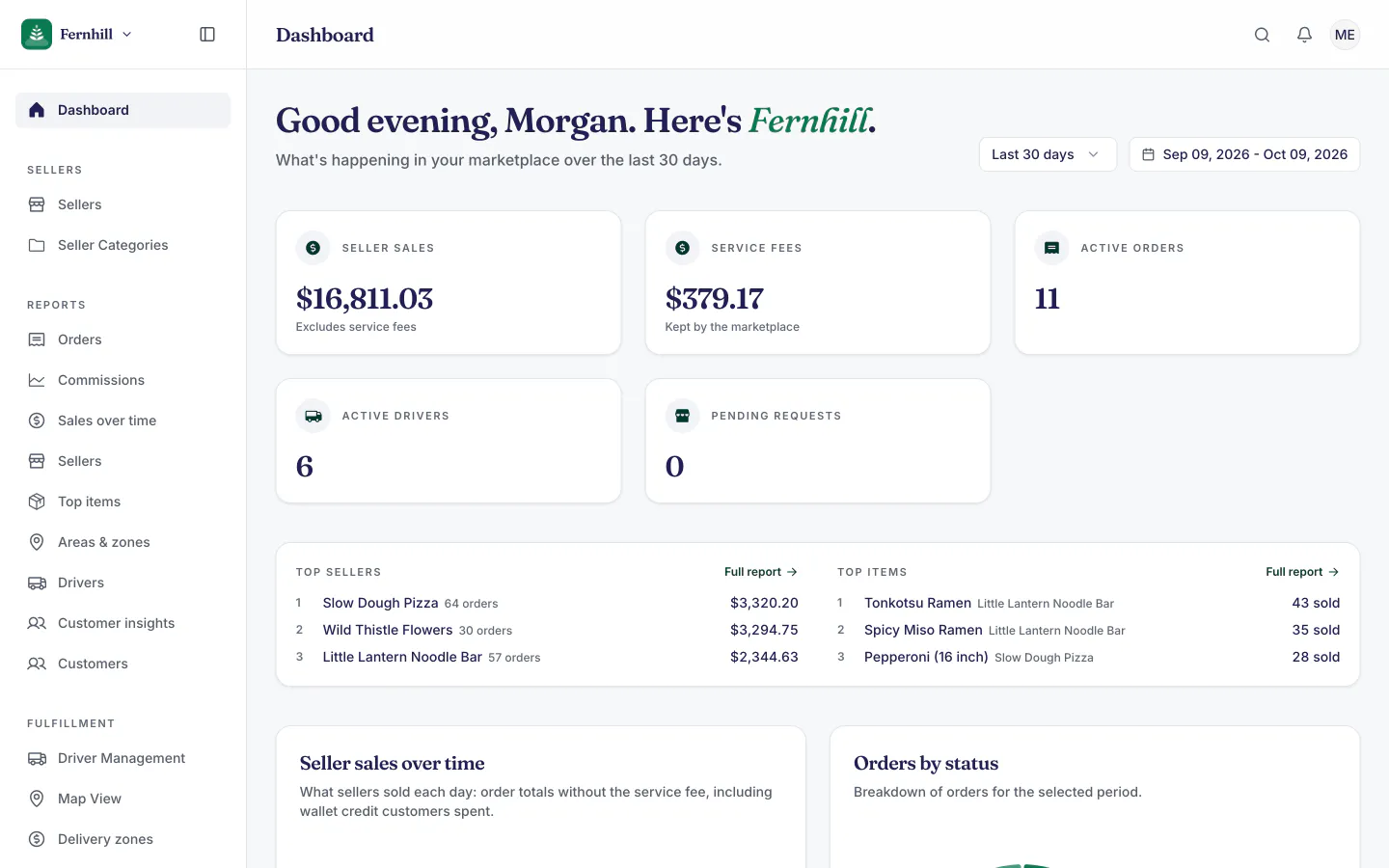
An Upzaar marketplace is made of five experiences that share one set of data. You run the marketplace from the admin panel. Your customers, sellers and drivers each use their own screens.
How it works
| Experience | Who uses it | What it is for | When you get it |
|---|---|---|---|
| Admin panel | You and your office team | Sellers, zones, drivers, fees, commission, discounts, reports, the storefront design | As soon as you create the marketplace |
| Storefront | Customers, in a web browser | Browsing sellers, ordering, checking an order | As soon as you create the marketplace |
| Customer app | Customers, on a phone | The same ordering, plus live order tracking | When Upzaar builds your apps |
| Vendor app | Seller staff, on a phone or tablet | New-order alerts, accepting and rejecting orders, menu and stock | When Upzaar builds your apps |
| Driver app | Drivers, on a phone | Delivery offers, pickup, delivery, earnings and cash | When Upzaar builds your apps |
The admin panel has three audiences
The admin panel is one website with a different menu for each role.
- Operators (the Owner and Brand Group Admins) see the whole marketplace.
- Dispatchers see the delivery pages: drivers, the map and delivery zones.
- Seller staff see their own seller’s section only. This section is the seller web panel. It covers the menu, opening hours, checkout options and order history for one seller.
The seller web panel and the vendor app overlap, but neither does everything the other does. See The seller web panel and the vendor app: which does what.
The storefront and the apps
The storefront works in any modern browser and adapts to phones. It is a website, not an installable app.
The three apps are built by Upzaar, one set per marketplace, with your name and icon. They are not created when you sign up. See Getting your own branded apps.
What others see
- Customers see your marketplace name, logo and color on the storefront and in the customer app.
- Seller staff see their own store only, in the vendor app or the seller web panel.
- Drivers see delivery offers for the zone groups you assign them to.
Good to know
- The storefront and all three apps are available in English and Arabic, with right-to-left layout in Arabic. The admin panel is in English only.
- The admin panel is built for a desktop browser. On a narrow screen the menus become drawers.
- The customer app is laid out for phones. The vendor app also has a tablet layout. The driver app is portrait only and always dark.
- Customers pay in cash. See How customers pay.