Carts: one per seller
Why a customer has a separate cart, checkout, delivery fee and service fee for each seller.
A cart belongs to one seller. A customer can hold carts at several sellers at once, but each is checked out on its own and becomes its own order. Items from two sellers cannot be combined into one order.
How it works
In the app
Newer screens call the cart a “bag”. On a seller’s page a bar reads “View cart”. When there are carts at other sellers, a floating bar shows the seller and how many more bags are open. A signed-in customer reaches all of them from “My carts”, through the bag icon on Home.
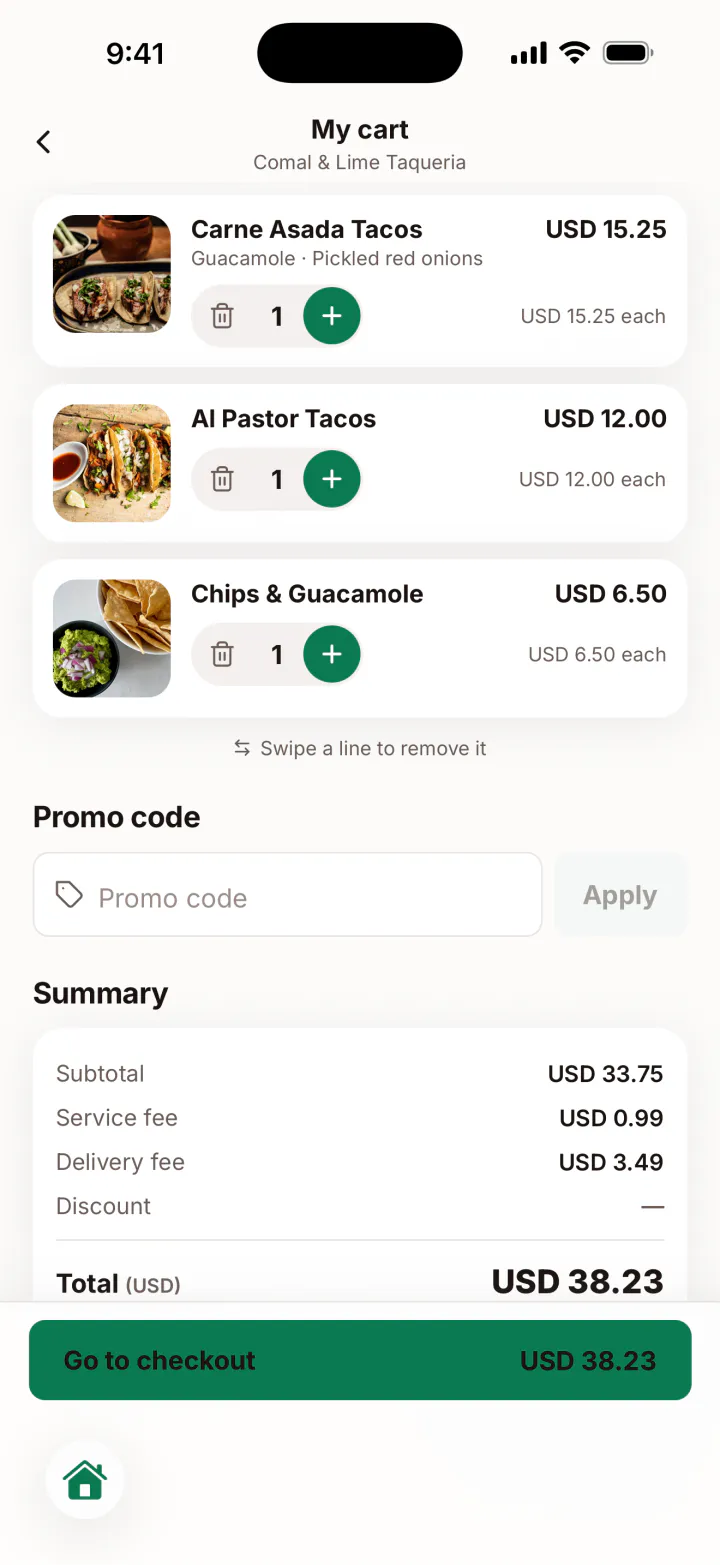
The cart screen has the items with quantity controls, “Promo code”, the “Summary” and “Go to checkout”.
On the website
The cart icon in the header opens “Your cart”, or “Your carts” with one row per seller. The button reads “Checkout” with the total.
Each order stands alone
Every checkout has its own delivery fee and its own service fee. A customer who orders from three sellers pays the delivery fee three times and the service fee three times, and receives three deliveries.
Good to know
- The number on the website’s cart icon counts carts, not items. Three items at one seller show “1”.
- No delivery fee is on a cart until a delivery address is chosen. On the website the cart total can therefore be lower than the total at checkout. In the app the cart reads “Set at checkout” on the delivery fee row.
- A guest’s carts on the website are lost when the browser closes.
- Signing in on the website merges a guest’s carts into the account. The app does not merge them.
- “My carts” in the app is for signed-in customers.
If something goes wrong
| The customer sees | Cause | What to do |
|---|---|---|
| “Your cart was refreshed, please try again” (app) | The cart changed on the server. | Try the action again. |
| “Your cart is no longer available. Please check your cart and try again.” (app) | The cart could not be found when the order was sent. | The app returns to the cart. Check the items and try again. |
| “Error adding item to cart!” (app) | Usually the item is sold out. | See the article on sold-out items. |
| A total that jumps at checkout | The delivery fee was added once the address was chosen. | Explain that delivery is added at checkout. |
Answer you can reuse
Each seller has its own cart and its own order, so items from two sellers arrive as two separate deliveries, each with its own delivery fee. The delivery fee is added once you choose your address at checkout.