Delivery or pickup at checkout
How customers choose between delivery and pickup, and how a pickup order differs from a delivery order.
At checkout the customer chooses how to get the order: delivery to an address, or pickup from the seller. They are offered only what both your marketplace and that seller have switched on.
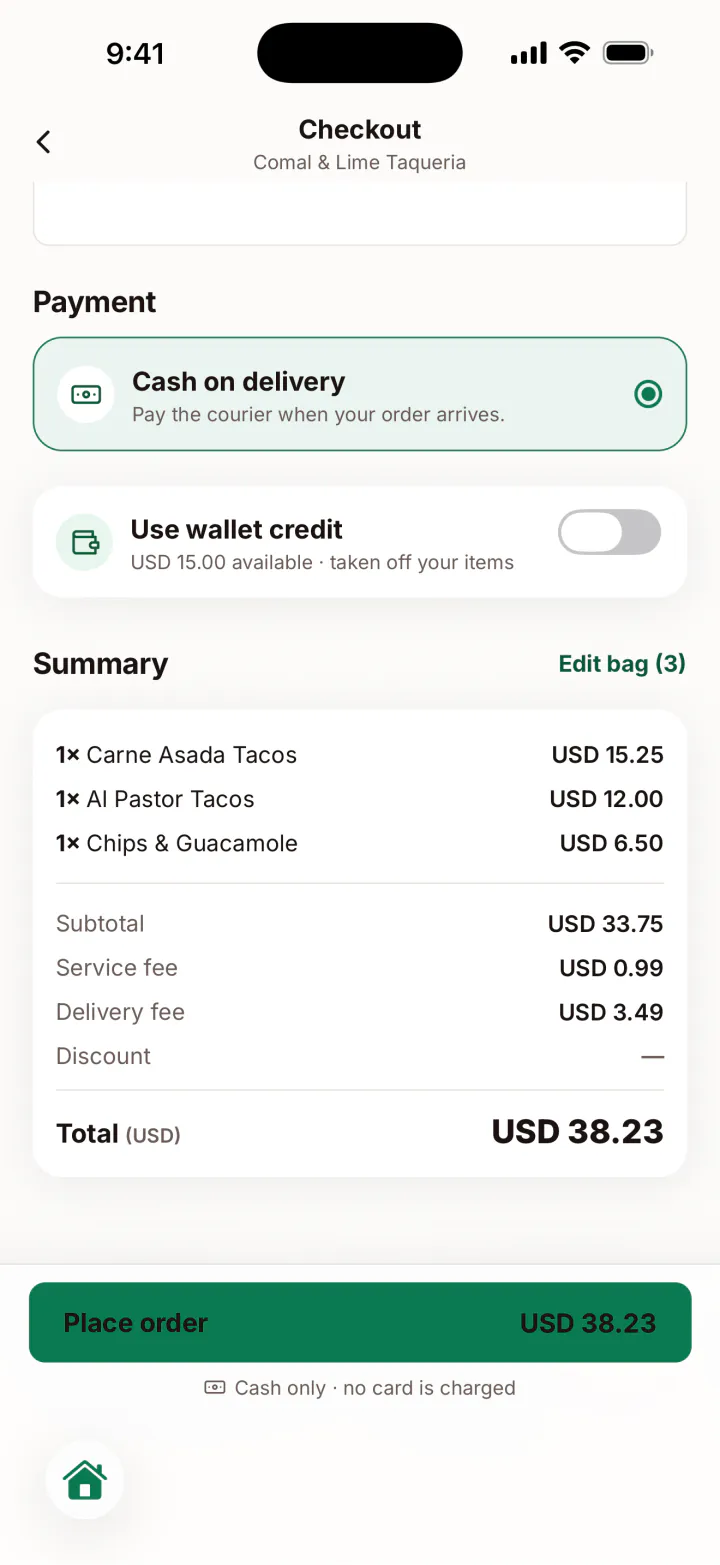
How it works
- In the app the section is “How do you want it?”, with “Delivery” and “Pickup” (“Collect it yourself”). Delivery is preselected when offered.
- On the website the card is “Delivery or pickup”, or “How you get your order” when the seller offers one way only.
| Delivery | Pickup | |
|---|---|---|
| Address | Required, with a map pin. | Not asked. The app shows “Pick up from” with the seller’s address. |
| Delivery fee | Charged by zone. | None. The app shows “Free (pickup)”. |
| Service fee | Charged. | Charged, unless you switched off “Applies to pickup orders”. |
| Zone check | Yes. | No. |
| Driver | Yes, when you use your own drivers. | No. |
| Delivery code | Yes. | No. |
| Tracking steps | Order placed, Being prepared, On its way, Delivered. | Order placed, Being prepared, Ready for pickup. |
| Who completes the order | The driver, on delivery. | The seller’s staff, when the customer collects. |
| Payment | Cash to the driver. | Cash at the seller. |
Good to know
- Switching from delivery to pickup removes the delivery fee from the cart.
- A pickup order is ready when the seller marks it ready. The customer then sees “Your order is ready” and “Please pick it up from the store.”
- After a pickup order is completed, the customer’s status reads “Order Completed.” with “Your order is done, please pick it up.”, even after they collected it. This wording does not change.
- On the website the confirmation for a pickup order still says to pay in cash “when your order arrives”, and the payment method reads “Cash on delivery”. The customer pays at the seller.
- Table-side and in-building orders cannot be placed from either client.
- Orders cannot be scheduled for later. Every order is placed for now.
If something goes wrong
| The customer sees | Cause | What to do |
|---|---|---|
| Only one choice, or none | The seller or your marketplace has the other method off. | Check the seller’s checkout options and Settings, General, Fulfillment. |
| “This (seller) is not taking orders right now.” (website) | The seller offers no method at all. | Switch on at least one method for the seller. |
| “Error placing order!” with a sentence that the method is not available at this seller (app), or the “Something went wrong” page (website) | The method was switched off after the customer opened checkout. | Ask the customer to reopen checkout and choose again. |
Answer you can reuse
At checkout you can choose delivery to your address or pickup from the seller, when the seller offers both. Pickup has no delivery fee, and you pay in cash when you collect.